QuickSign: Sign PDF Documents
Real Signature Scanner & Stamp
See it in action
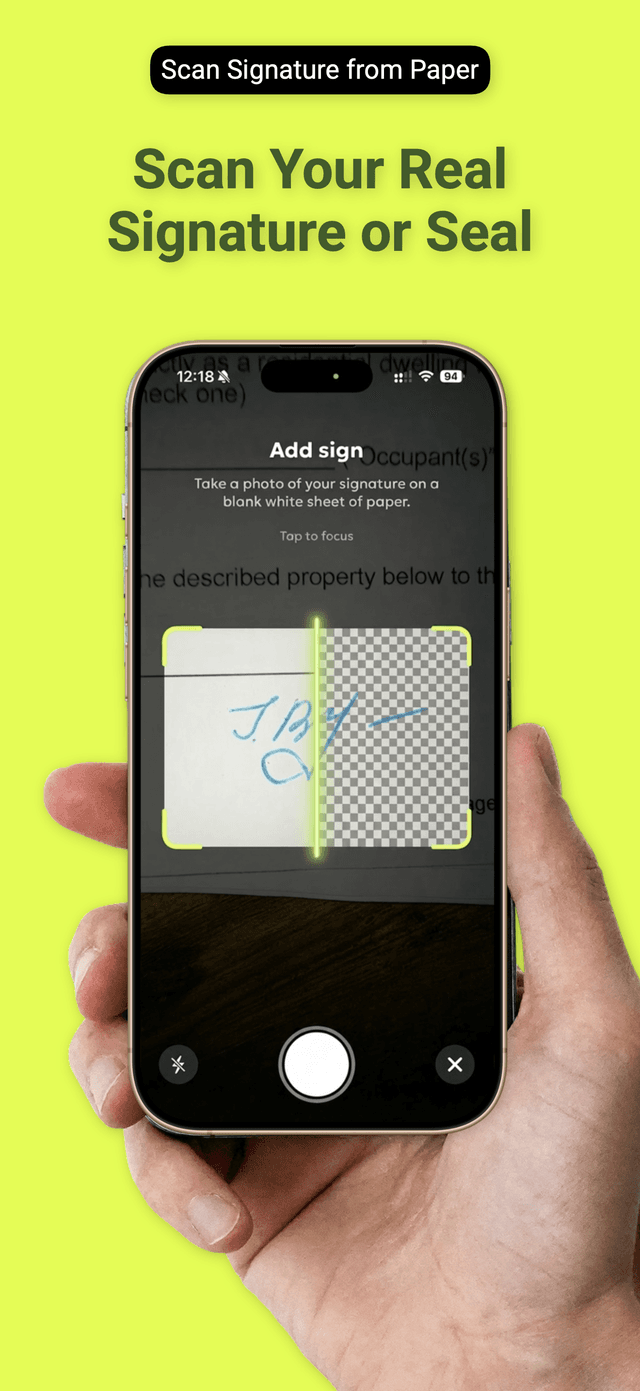
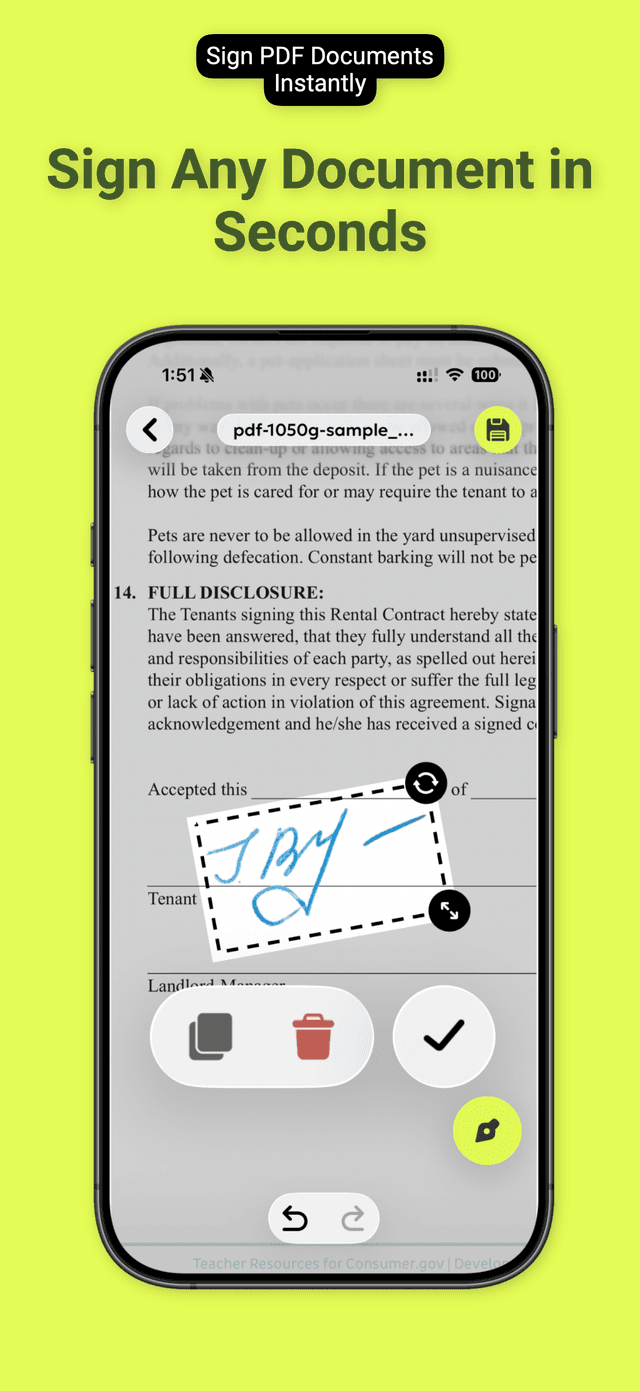
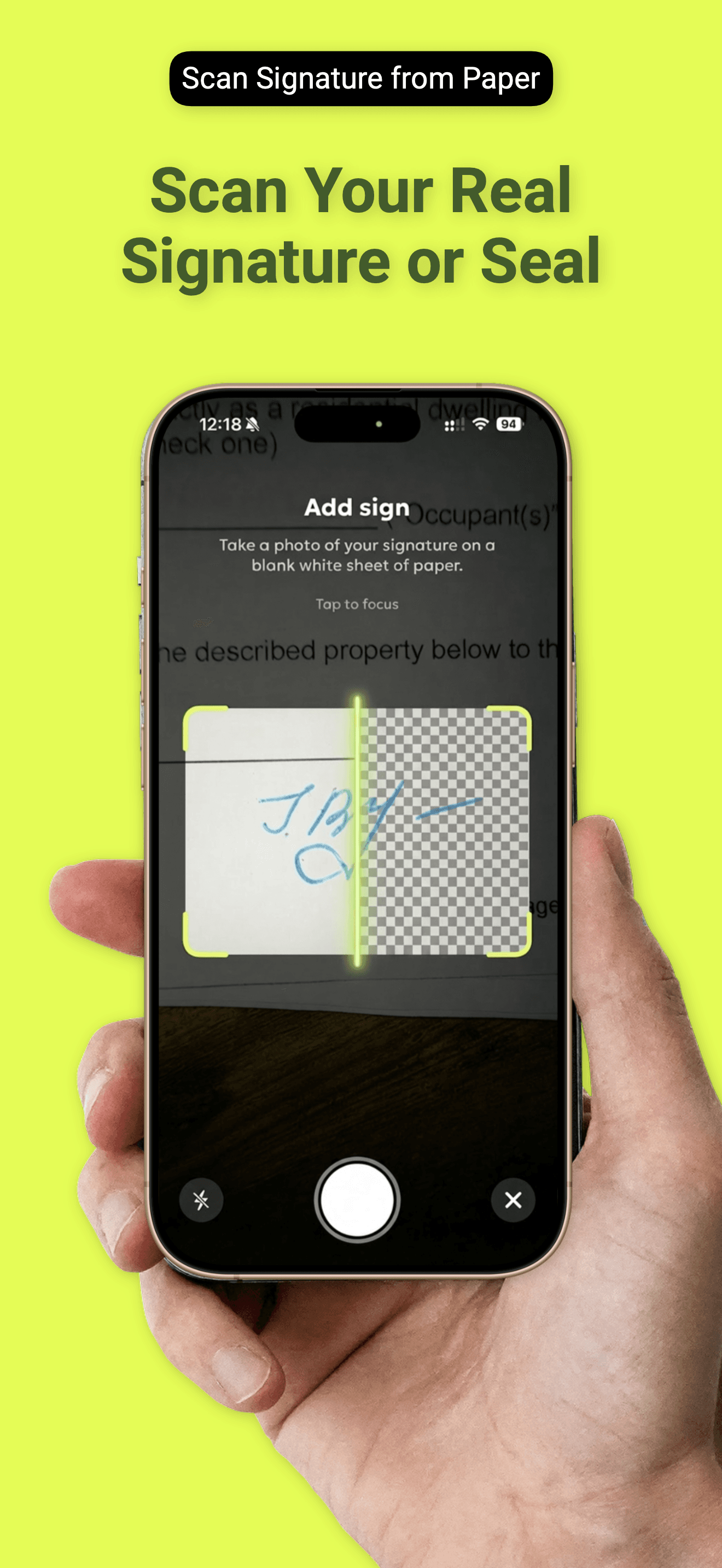
Stop faking it with a typed name. QuickSign lets you sign documents with your actual handwritten signature — captured by camera, refined by AI, and placed exactly where it needs to go.
WHY QUICKSIGN
- Real camera signature — scan your ink signature from paper; AI removes the background so it looks crisp on any document
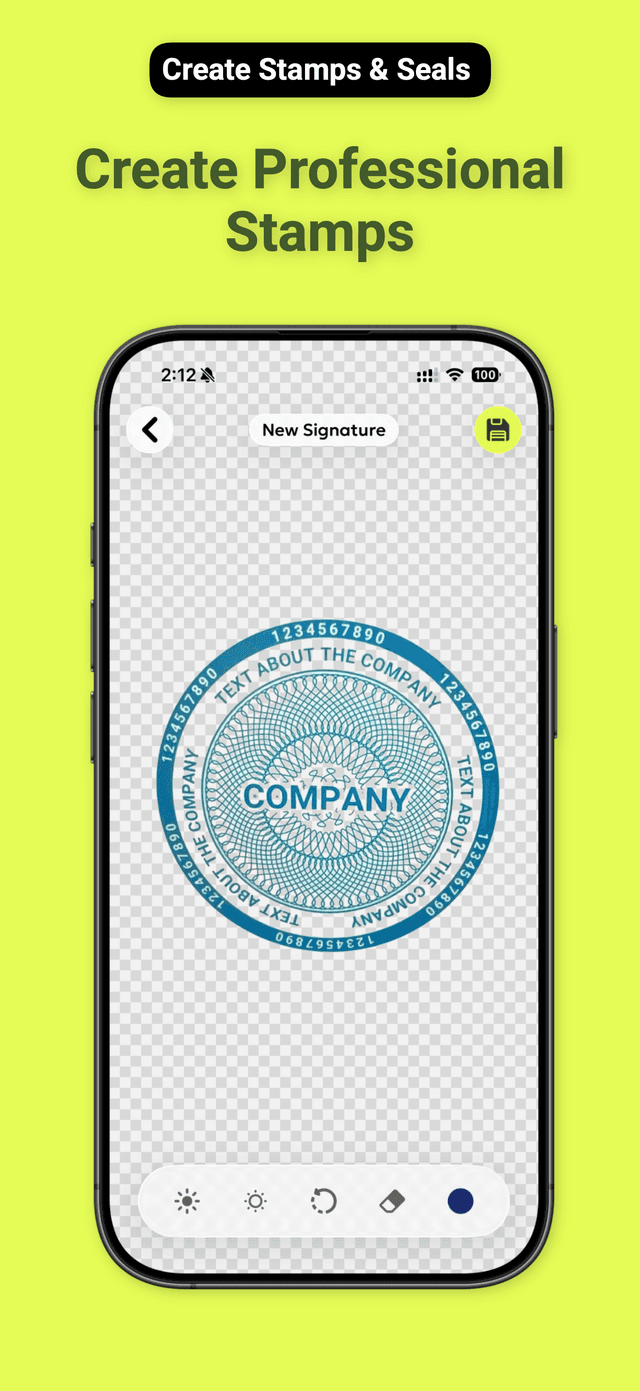
- Stamps & seals — create professional round stamps and custom seals in seconds, no design skills needed
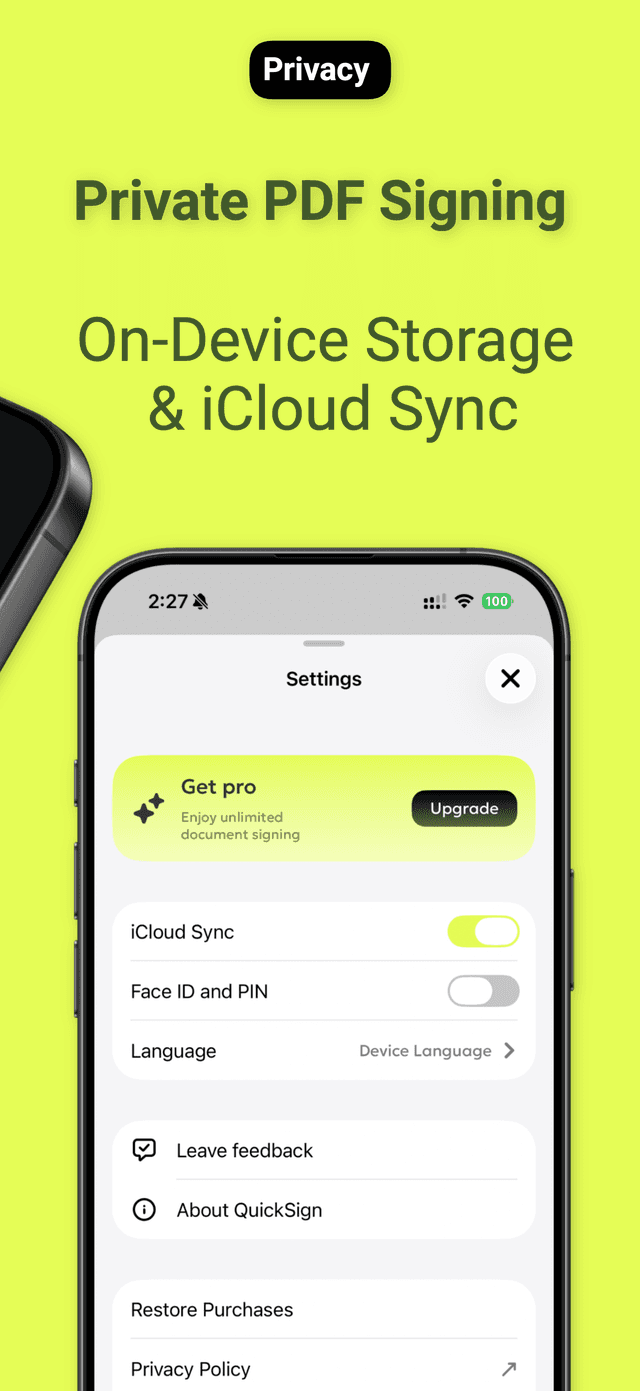
- Total privacy — every signature, stamp, and document stays on your device; nothing is uploaded to any server, ever
WHO USES QUICKSIGN
Real estate agents who need to countersign contracts on the go. Notaries who want a clean digital workflow without compromising authenticity. Attorneys handling NDAs and engagement letters between meetings. Freelancers signing client agreements before a project kicks off. Small business owners processing invoices, delivery notes, and service agreements without the overhead of enterprise e-sign platforms.
HOW IT WORKS
- Import or photograph your document — open any PDF from Files, Mail, or your camera roll
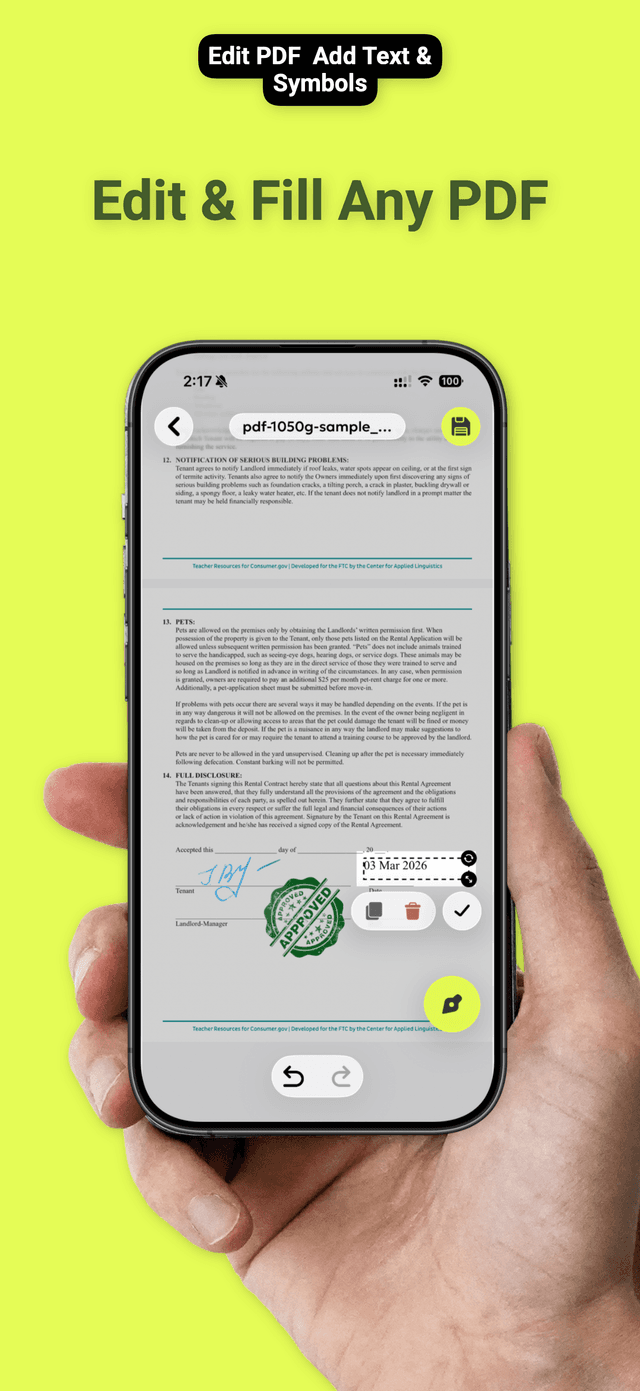
- Place your signature or stamp — tap to add, drag to position, pinch to resize; done in under a minute
- Share or save — export as a flattened PDF ready for email, print, or filing
FEATURES
- Camera scan → AI background removal for natural-looking signatures
- Draw directly on screen as an alternative signature method
- Create and manage multiple signatures and stamps
- Annotate PDFs: text boxes, highlights, freehand drawing, shapes
- Fill in form fields on interactive PDFs
- Multi-page document support with full page management
- Works offline — no internet connection required
- Export to PDF, share via AirDrop, Mail, or any app
PRIVACY
QuickSign is built privacy-first from the ground up. Your signatures, stamps, and documents never leave your device. There is no account to create, no data synced to a cloud, and no third-party servers involved. Everything is processed locally using on-device AI.
Download QuickSign today and sign your next document the right way — with your real signature.
Ready to try QuickSign: Sign PDF Documents?
Free download. No account required.
By downloading you agree to our Terms of Use and Privacy Policy